When Should You Upgrade Your Barcode Printer? Warning Signs Businesses Ignore
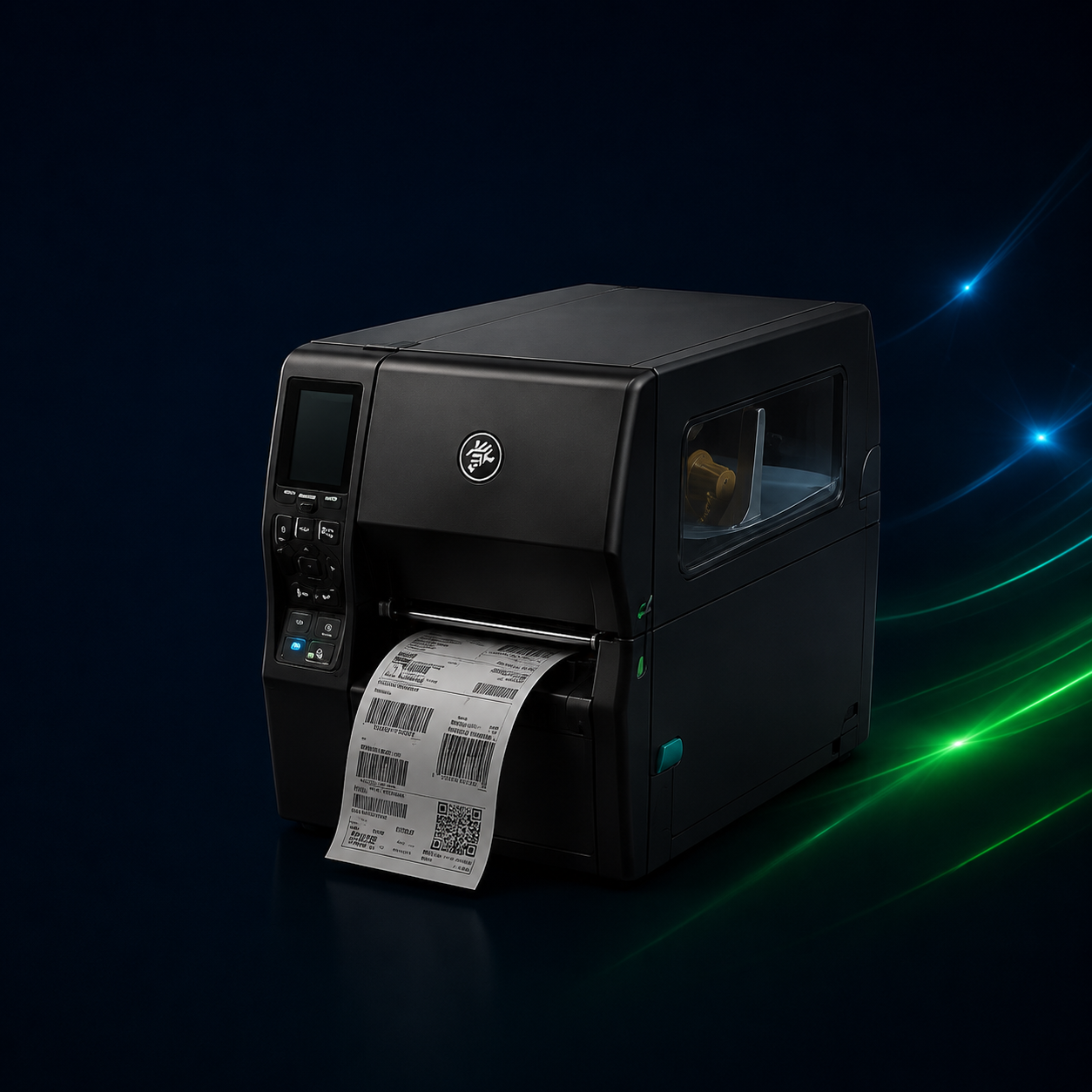
Barcode printers are often treated as background equipment until problems begin to disrupt daily operations. Many businesses continue using outdated printers long after performance has declined, leading to inefficiencies, errors, and unexpected downtime. Knowing when to upgrade a barcode printer helps businesses avoid costly interruptions and maintain smooth, reliable workflows.
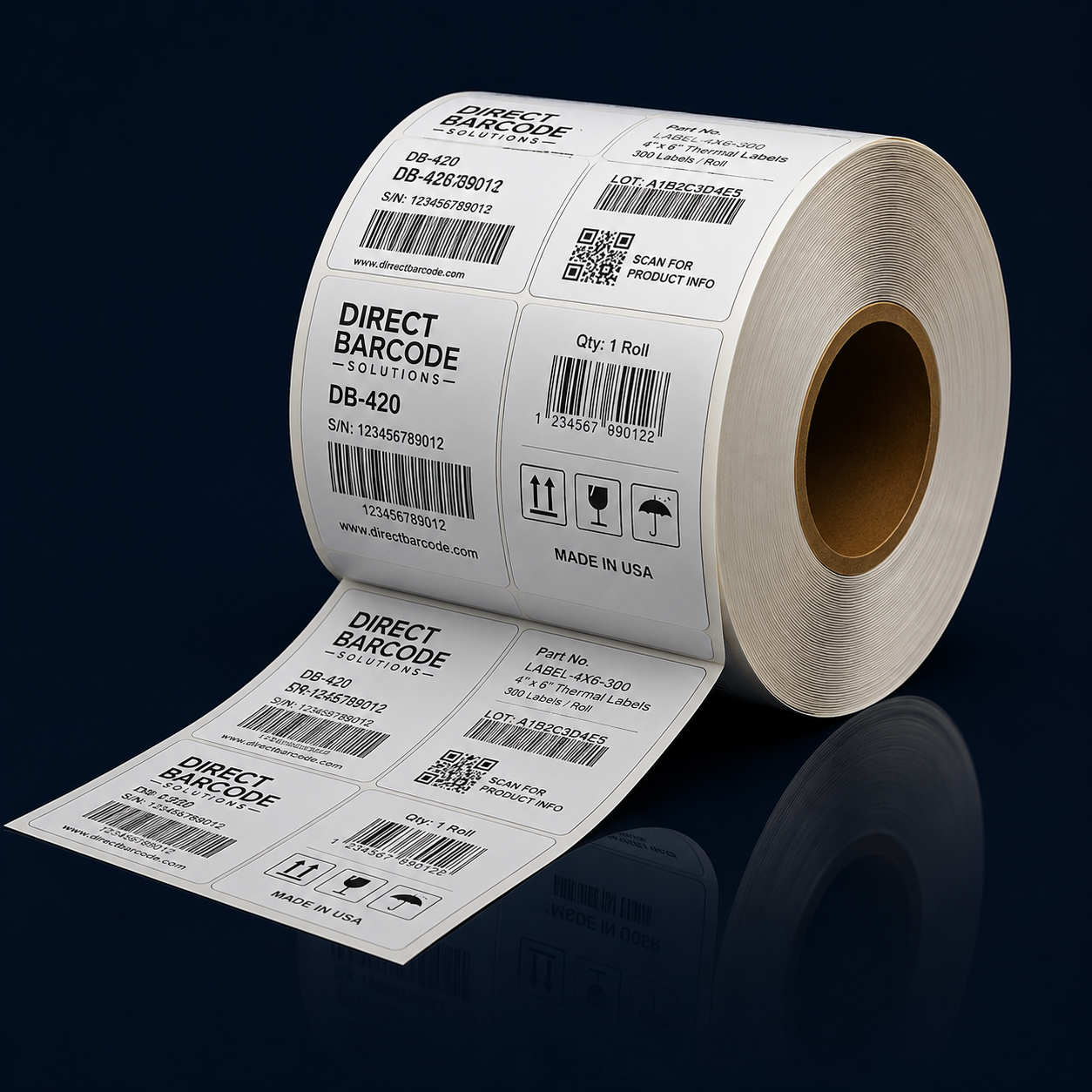
One of the most common warning signs is inconsistent print quality. Faded barcodes, uneven printing, or misaligned labels can cause scanning failures that slow down inventory movement, shipping, and asset tracking. When employees need to reprint labels or manually enter data because barcodes do not scan properly, productivity suffers. These issues often indicate that a printer is nearing the end of its effective lifespan.
Frequent breakdowns and maintenance issues are another signal that it may be time to upgrade. As barcode printers age, components wear down and repairs become more frequent. What starts as occasional downtime can quickly turn into repeated disruptions that affect operations. When repair costs and service calls increase, replacing the printer often becomes more cost-effective than continuing to fix an aging device.
Print speed limitations can also indicate that a printer no longer meets business needs. As operations grow, print volumes tend to increase. A printer that once handled daily workloads may struggle to keep up, creating bottlenecks in shipping, receiving, or production lines. Slow printing can delay order fulfillment and inventory updates, impacting overall efficiency and customer satisfaction.
Compatibility challenges are another commonly overlooked issue. Older barcode printers may not integrate smoothly with modern software, warehouse management systems, or operating systems. Limited connectivity options and outdated drivers can restrict automation and force teams to rely on manual processes. Upgrading to a newer printer ensures better compatibility with current technology and supports more efficient workflows.
Label durability problems can also signal the need for an upgrade. If labels fade, smudge, or peel prematurely, it may indicate that the printer is no longer producing consistent results or that it lacks the capability to handle the required label materials. This is especially problematic for businesses that rely on long-term labeling for inventory or asset tracking.
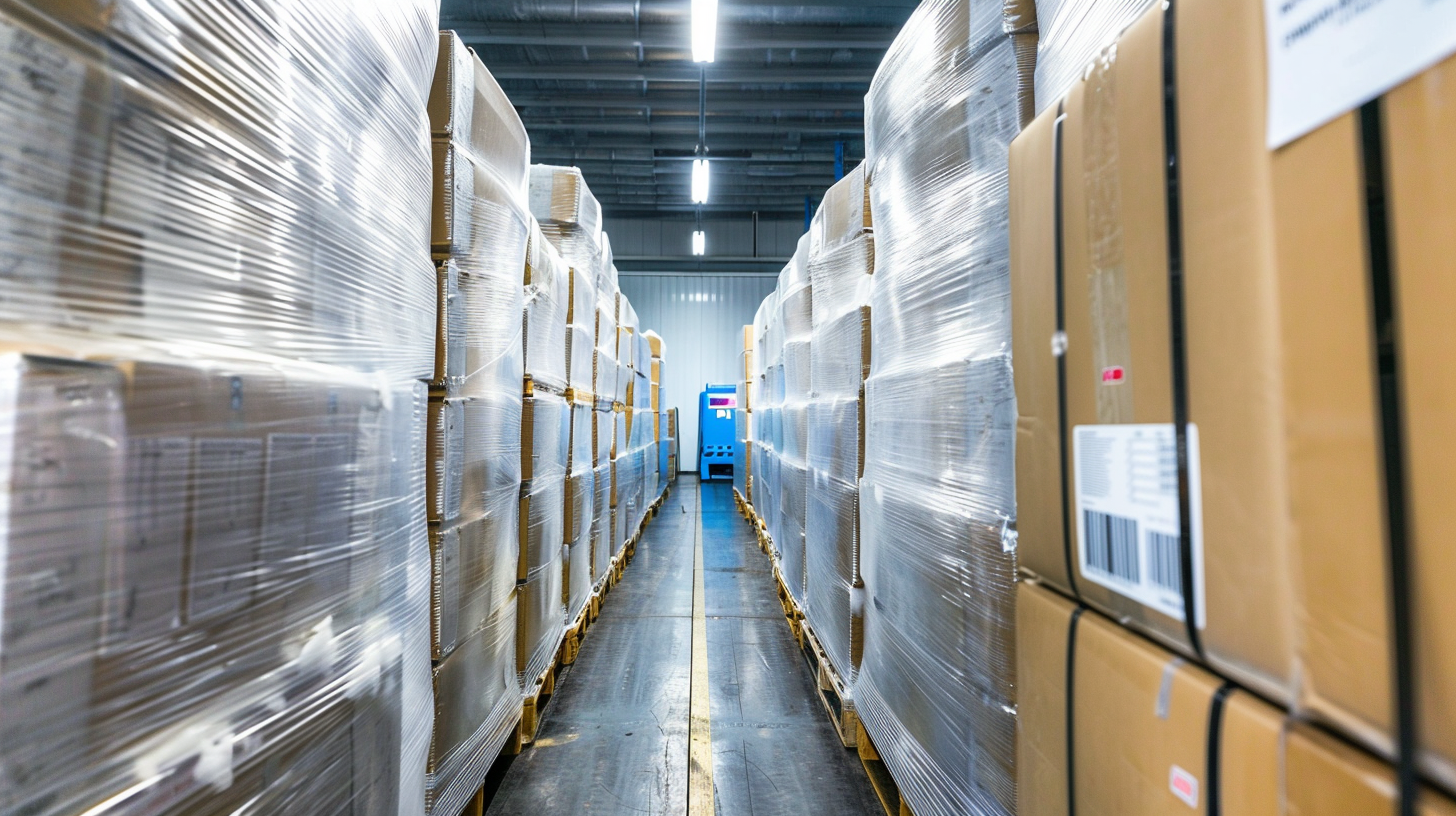
Changes in the work environment can also justify an upgrade. Expanding into a warehouse, increasing shipping volume, or adding new product lines often requires more robust printing equipment. Printers designed for light-duty use may not perform well in demanding environments, leading to increased wear and reduced reliability.
Ignoring these warning signs can lead to hidden costs that accumulate over time. Downtime, reprints, labor inefficiencies, and missed shipments all impact the bottom line. Upgrading a barcode printer before failures become disruptive allows businesses to maintain consistency, accuracy, and operational momentum.
Knowing when to upgrade a barcode printer is about recognizing early indicators and planning ahead. By addressing performance issues, compatibility limitations, and growing demands, businesses can invest in equipment that supports current needs and future growth. A timely upgrade ensures barcode printing remains a reliable part of daily operations rather than a source of ongoing frustration.