Common Barcode Printing Mistakes That Cost Businesses Time & Money
Barcode printing plays a critical role in inventory management, shipping, asset tracking, and daily operations. When done correctly, it improves accuracy and efficiency. When mistakes occur, however, barcode printing issues can lead to delays, errors, and unexpected costs. Many businesses underestimate how small labeling problems can create significant operational challenges over time.
One of the most common barcode printing mistakes is poor print quality. Faded, blurry, or uneven barcodes often fail to scan properly, forcing employees to reprint labels or manually enter data. These issues slow down workflows and increase the risk of errors. Poor print quality is frequently caused by worn printheads, incorrect print settings, or low-quality label materials.
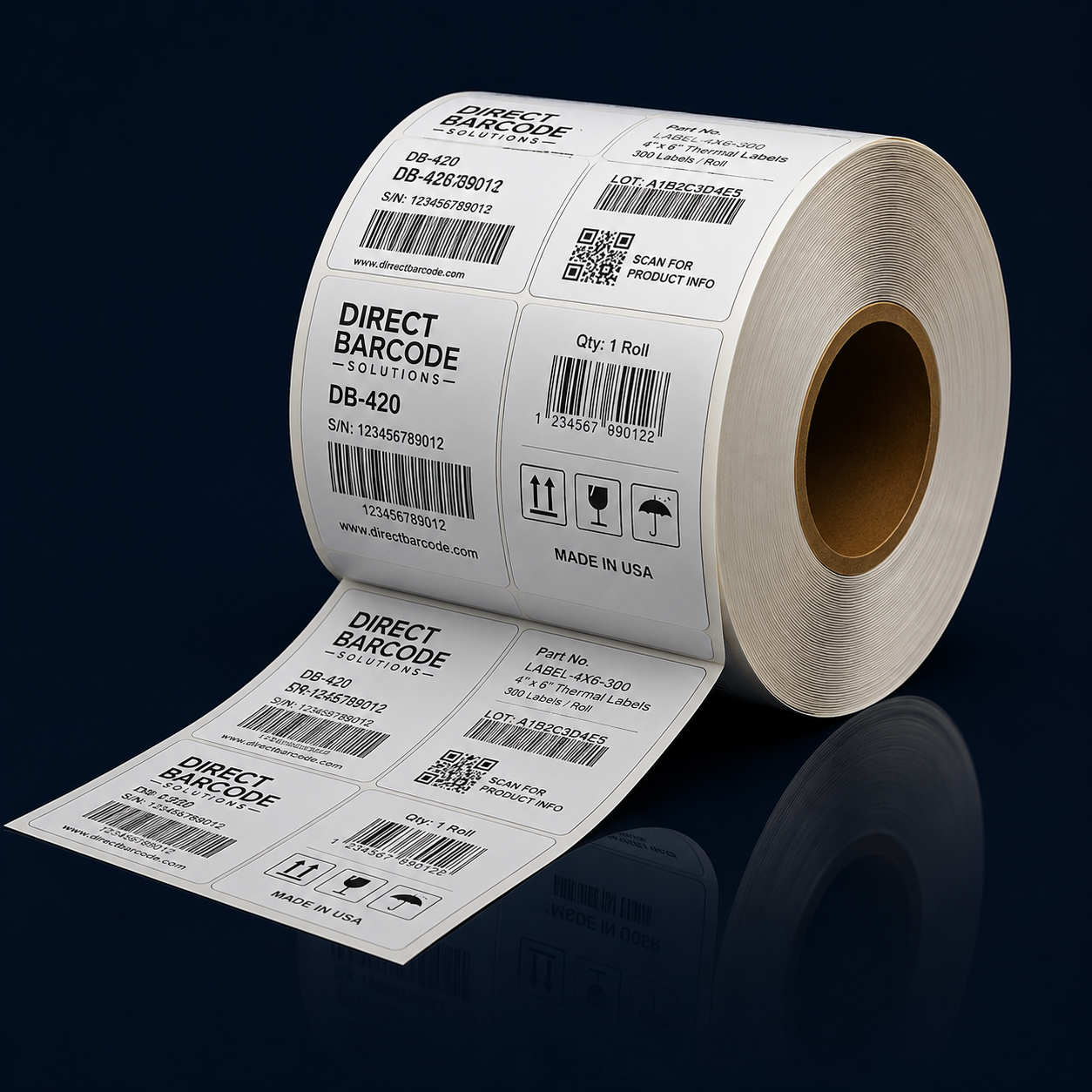
Using the wrong label material is another costly mistake. Labels that are not suited for the environment may peel, smudge, or fade prematurely. For example, direct thermal labels used in high-heat or long-term storage environments may become unreadable over time. Selecting label materials that match environmental conditions and label lifespan is essential for maintaining reliable barcode performance.
Inconsistent label placement can also create scanning problems. Labels that are applied unevenly, wrapped incorrectly, or placed over curved surfaces may not scan properly. This inconsistency can disrupt automated systems and slow down handling processes. Standardizing label placement helps ensure barcodes are easily accessible and readable at every stage of the workflow.
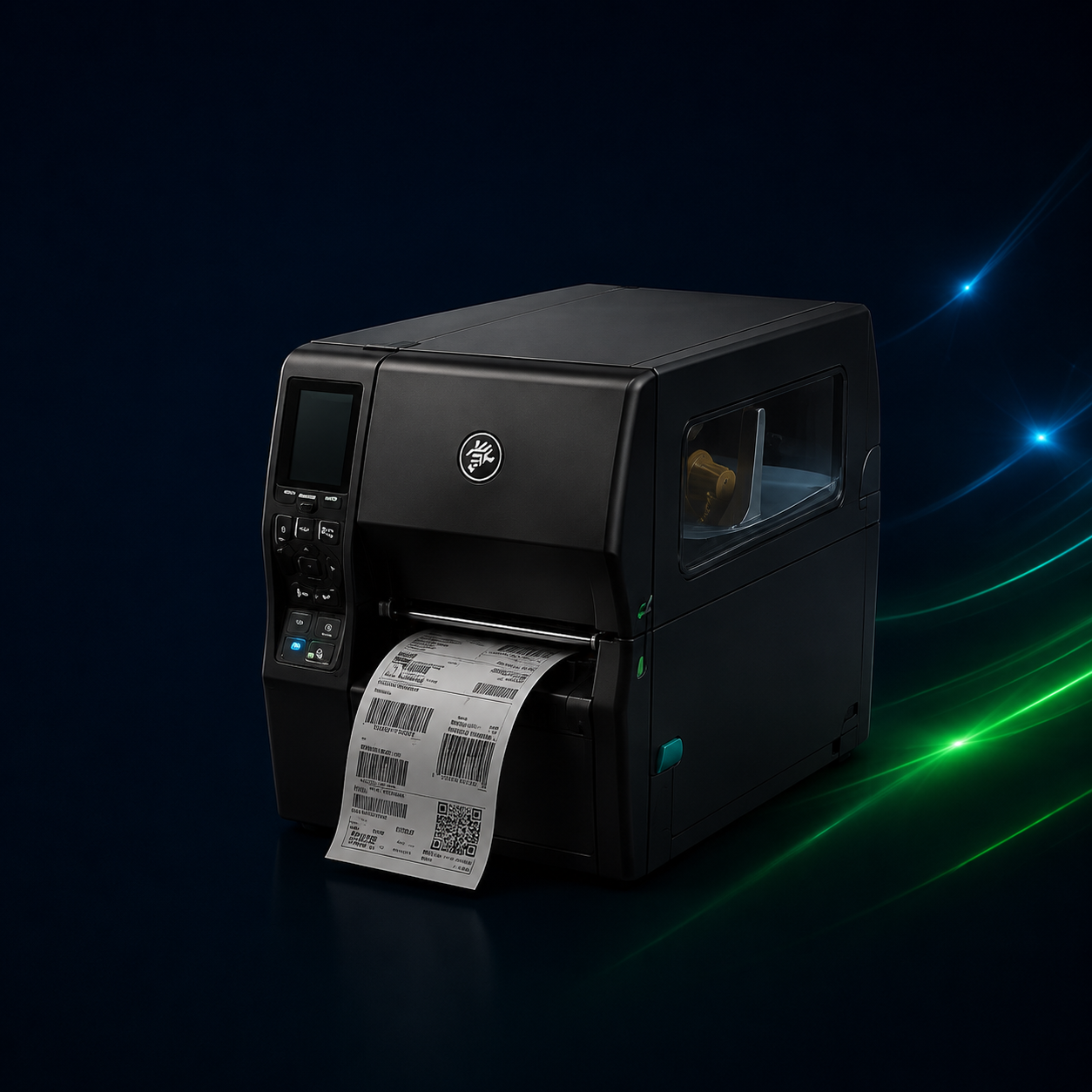
Ignoring printer maintenance is another mistake businesses often overlook. Barcode printers require regular cleaning and basic upkeep to perform consistently. Dust buildup, residue on printheads, and worn components can all degrade print quality. Skipping routine maintenance may seem like a time-saver, but it often leads to more frequent breakdowns and higher repair costs.
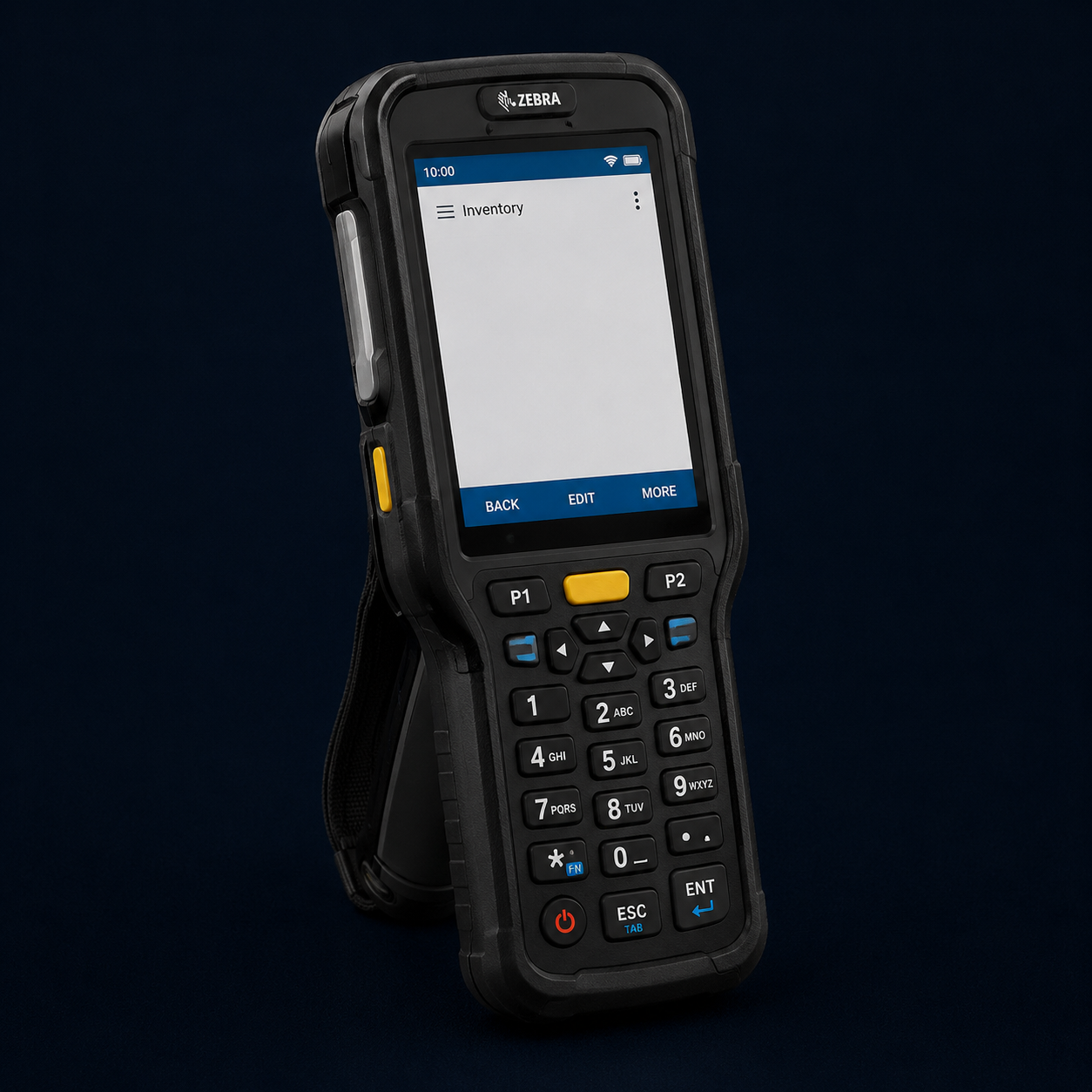
Another common issue is mismatched barcode symbologies. Using the wrong barcode type for a specific application or system can result in scanning failures and data errors. Different industries and software systems require specific barcode formats. Ensuring compatibility between barcode printers, scanners, and software systems is critical for smooth operations.
Overloading printers beyond their intended capacity can also lead to problems. Desktop printers used for high-volume printing may overheat, slow down, or wear out prematurely. As print demands grow, failing to upgrade to a printer designed for higher volumes can increase downtime and reduce productivity.
Lack of system integration is another hidden cost. When barcode printers are not properly integrated with inventory management or shipping systems, manual steps are often required. Manual processes increase labor costs and introduce opportunities for human error. Modern barcode printing solutions are designed to integrate seamlessly with business systems to support automation and accuracy.
Avoiding common barcode printing mistakes requires attention to print quality, materials, maintenance, and system compatibility. By addressing these issues proactively, businesses can reduce wasted time, lower operational costs, and maintain efficient workflows. Investing in the right equipment and processes ensures barcode printing remains a reliable tool rather than a source of ongoing frustration.