What Affects Barcode Print Quality? Labels, Ribbons, Resolution Explained
Barcode print quality is critical for accurate scanning and efficient operations. Poorly printed barcodes can lead to scanning failures, workflow disruptions, and costly errors. Understanding what affects barcode print quality helps businesses produce clear, reliable labels that perform consistently across inventory, shipping, and asset tracking processes.
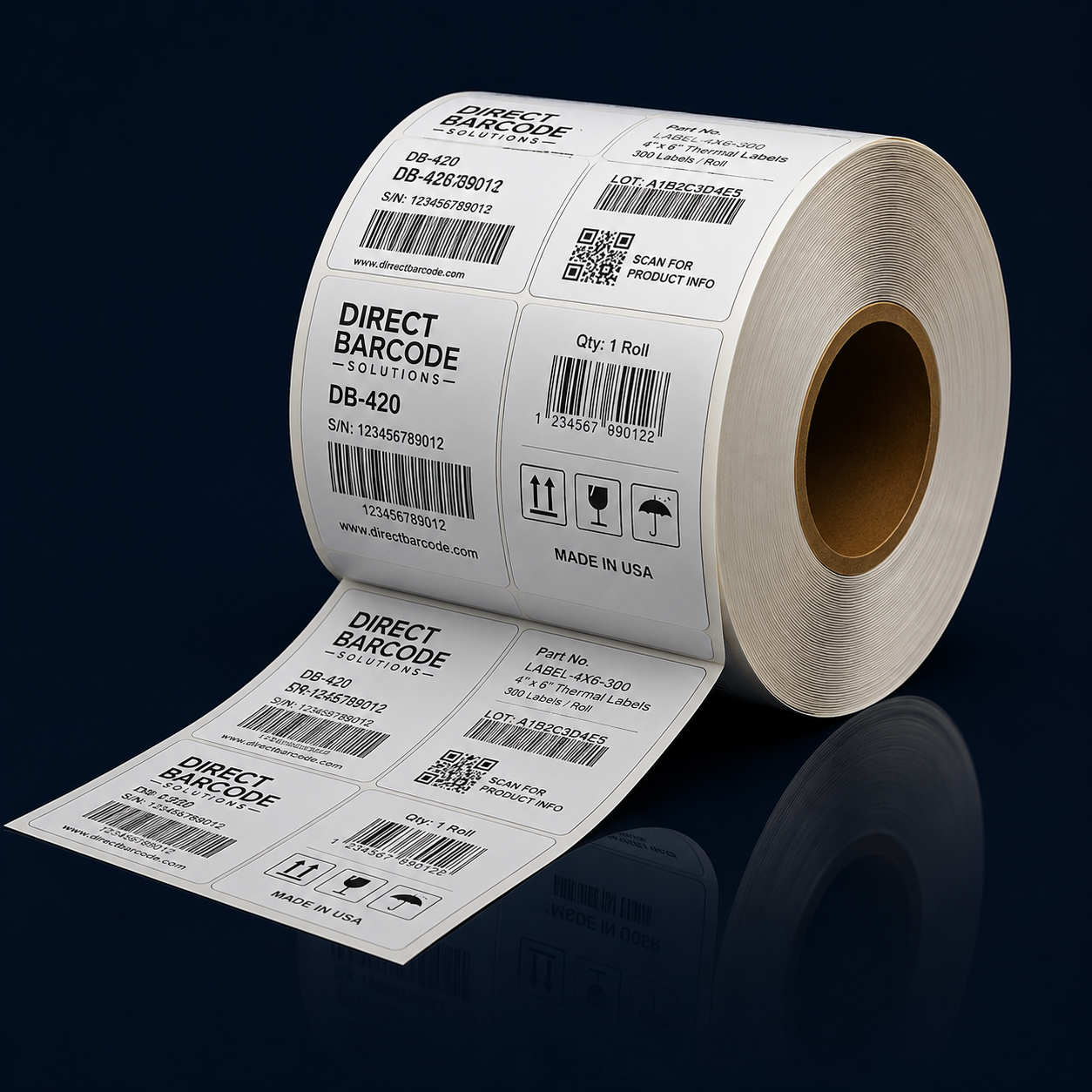
One of the most important factors influencing print quality is label material. Different applications require different label types, and using the wrong material can cause barcodes to fade, smudge, or peel. Labels designed for short-term use perform well for shipping and temporary identification, while long-term applications require more durable materials that resist heat, moisture, and friction. Choosing label stock that matches the environment and label lifespan is essential for maintaining barcode readability.
Ribbons play a key role in thermal transfer printing. The quality of the ribbon directly impacts the sharpness and durability of printed barcodes. Low-quality ribbons may produce uneven or faint images, reducing scan reliability. Selecting the correct ribbon type for the label material ensures proper ink transfer and consistent results. Wax, wax-resin, and resin ribbons each serve different purposes depending on durability requirements and environmental exposure.
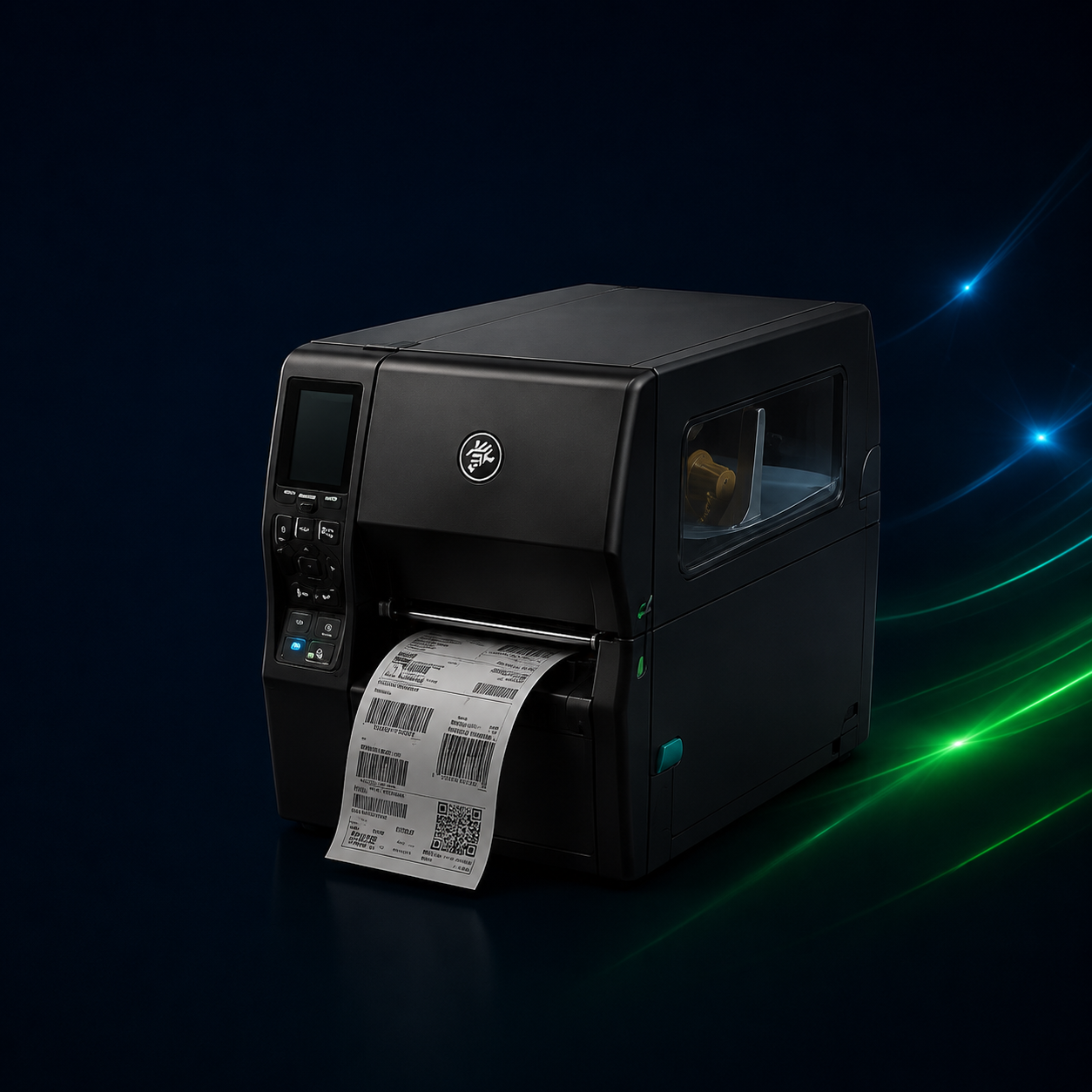
Printer resolution also affects barcode clarity. Resolution is measured in dots per inch, or DPI, and determines how much detail the printer can produce. Lower-resolution printers are suitable for basic labels with simple barcodes and text. Higher-resolution printers provide sharper images and are better suited for small labels, dense barcodes, or applications requiring fine detail. Using a resolution that matches label size and barcode complexity helps ensure reliable scanning.
Print speed and heat settings can also influence barcode quality. Printing at high speeds without adjusting heat settings may result in lighter or incomplete images. Proper calibration balances speed and heat to achieve consistent print density. Many print quality issues can be resolved by fine-tuning these settings rather than replacing equipment.
Printer maintenance is another factor that affects output quality. Dust, debris, and residue buildup on printheads can cause streaks or faded areas in printed labels. Regular cleaning and basic maintenance help preserve print quality and extend the life of the printer. Ignoring maintenance often leads to gradual degradation that impacts scanning accuracy.
Environmental conditions should also be considered. Exposure to heat, sunlight, chemicals, or moisture can degrade printed labels over time. Even high-quality labels may fail if used in unsuitable conditions. Evaluating where labels will be applied and stored helps determine the best combination of printer, labels, and ribbons.
Finally, barcode design and formatting affect print quality. Barcodes that are too small, poorly spaced, or incorrectly formatted may not scan reliably even if printed clearly. Ensuring that barcode size, quiet zones, and symbology match scanner requirements is essential for accurate data capture.
Barcode print quality depends on a combination of materials, printer settings, maintenance, and environmental factors. By understanding how labels, ribbons, and resolution work together, businesses can improve scanning reliability, reduce errors, and maintain efficient operations. Investing in the right components and practices ensures barcode printing supports accuracy rather than creating avoidable issues.