Barcode Printer DPI Explained: 203 vs 300 vs 600 DPI
Barcode printer resolution, measured in dots per inch or DPI, plays a significant role in print clarity and scan reliability. Choosing the right DPI ensures barcodes are readable, consistent, and suited to their intended application. While higher resolution may seem better at first glance, each DPI level serves a specific purpose depending on label size, barcode density, and operational needs.
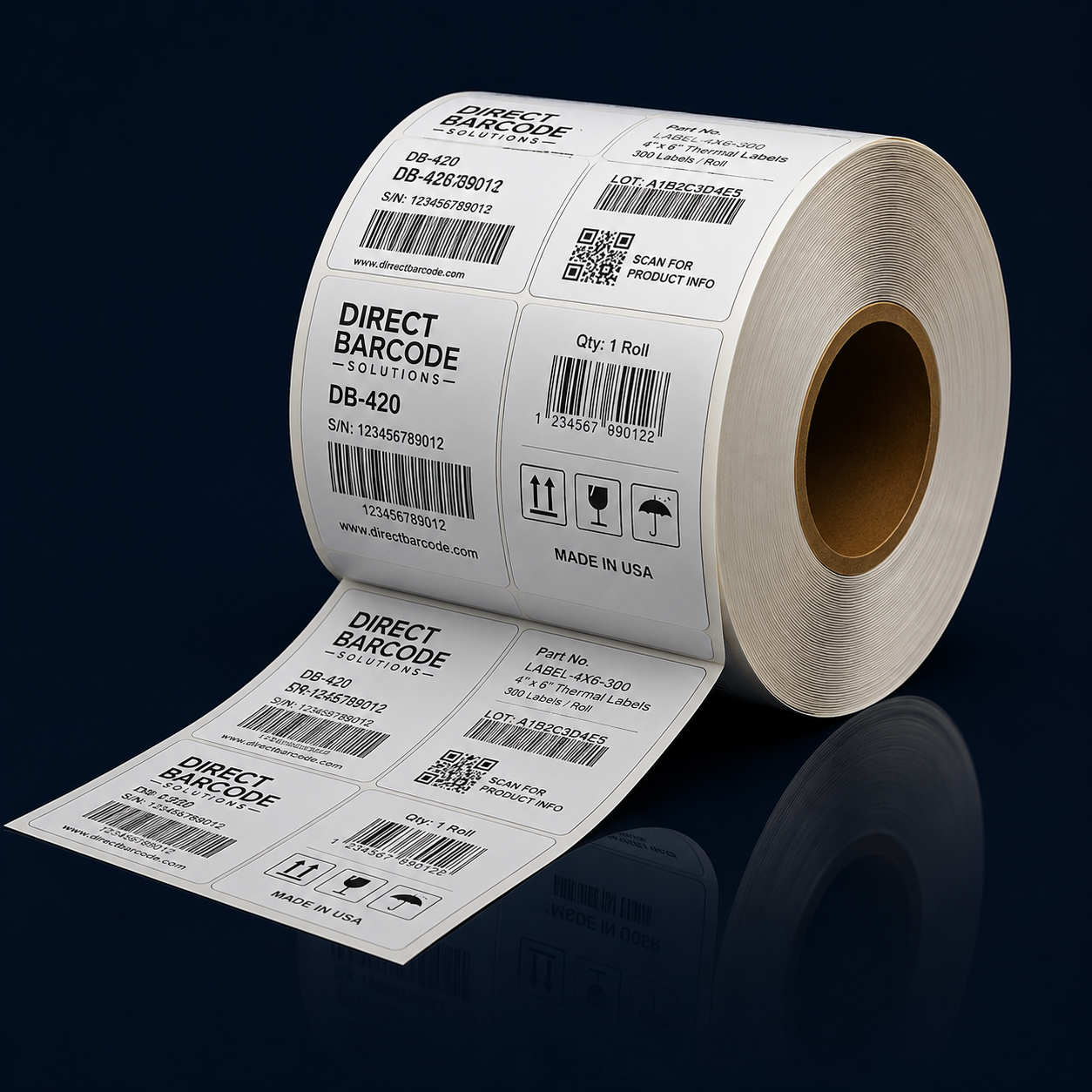
A 203 DPI barcode printer is the most common option for many business applications. It produces clear, reliable barcodes for standard label sizes and simple barcode formats. This resolution is widely used for shipping labels, warehouse inventory labels, and general product labeling. For businesses printing larger barcodes or basic text, 203 DPI provides an effective balance between performance and cost.
A 300 DPI barcode printer offers greater detail and sharper output. This resolution is ideal for smaller labels, dense barcodes, and applications that require clearer text or graphics. Industries such as healthcare, electronics, and retail often rely on 300 DPI printers to ensure precision. When labels contain more information in limited space, higher resolution helps maintain scan accuracy.
A 600 DPI barcode printer provides the highest level of detail available for barcode printing. This resolution is typically used for very small labels, micro barcodes, or applications that require extremely fine detail. While 600 DPI produces exceptionally sharp images, it is not necessary for most standard labeling tasks. Higher resolution also means slower print speeds and increased cost, which may not justify its use in general operations.
Resolution directly affects barcode readability. Barcodes that are too small or densely packed may not scan reliably if printed at a low resolution. Choosing the appropriate DPI ensures that scanners can accurately read the barcode without errors. Using a resolution that matches label size and barcode complexity is more important than simply selecting the highest DPI available.
Print speed and efficiency are also influenced by DPI. Lower-resolution printers typically print faster and handle higher volumes more efficiently. Higher-resolution printers produce more detailed output but may print more slowly. Businesses should consider how print speed aligns with operational demands, especially in high-volume environments.
Cost is another factor when comparing DPI options. Printers with higher resolution often come at a higher price point and may require more precise maintenance. For many businesses, a 203 or 300 DPI printer provides the best value without sacrificing print quality. Evaluating both current needs and future growth helps avoid unnecessary expenses.
Understanding barcode printer DPI helps businesses make informed decisions that support accuracy and efficiency. Whether choosing 203, 300, or 600 DPI, the right resolution depends on label size, barcode density, and application requirements. Selecting the appropriate DPI ensures consistent scanning performance and reliable labeling across operations.